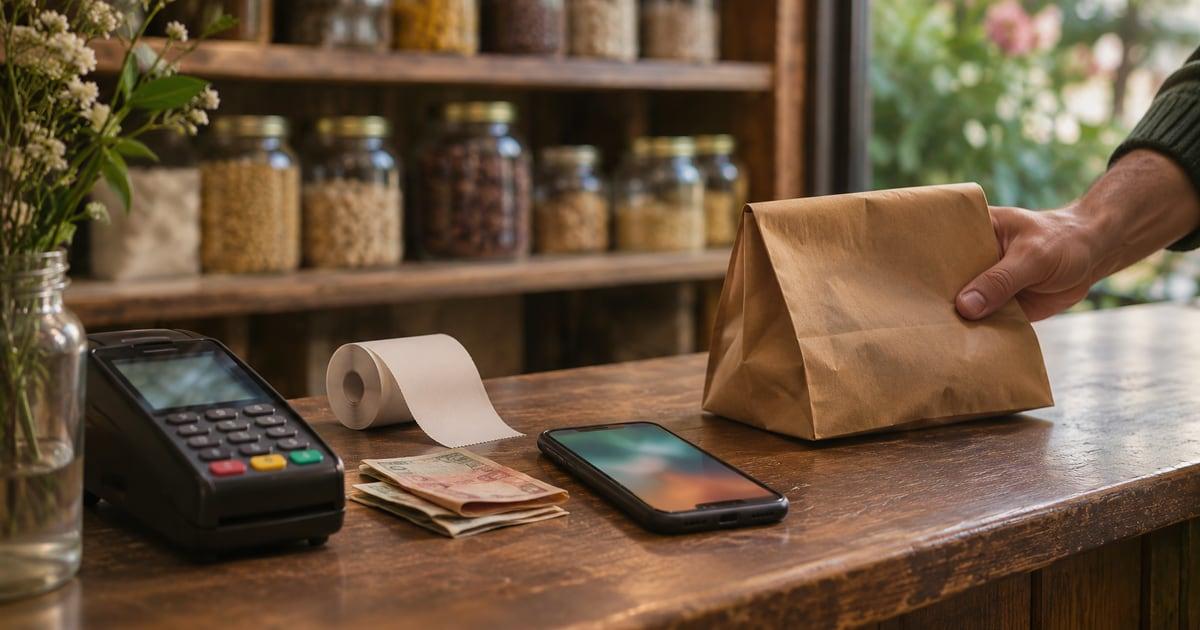
Here's a fact that surprises a lot of shop owners: in 2024, cash still made up 14% of all US consumer payments, and 24% for households earning under $25,000 a year, according to the Federal Reserve's 2025 Diary of Consumer Payment Choice. So when someone asks "what is POS?", the answer isn't "a card machine". POS means point of sale: the moment a customer pays you, however they pay. A POS system is the tool that records that moment properly. Let me explain how it works, with a real shop example.
What is POS?
Point of sale (POS) is the place and time a sale happens. At a corner shop, it's the counter. At a market stall, it's the table and your hand. Online, it's the checkout page.
When people say "POS" in day-to-day business talk, they usually mean a POS system: the setup you use to complete and record each sale. A modern POS system usually does five jobs:
- Rings up the items. You pick the products (or scan them), and it adds up the total.
- Takes payment. Cash, card, mobile payment or bank transfer, with change worked out for cash.
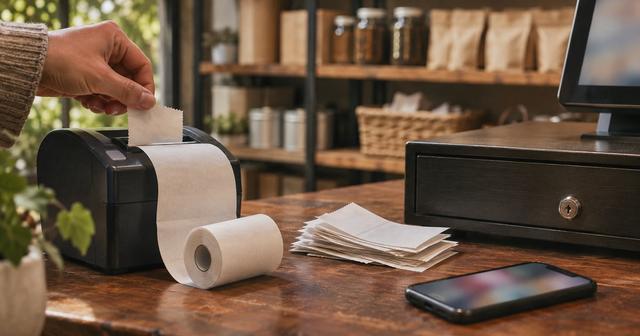
- Issues a receipt. Printed, emailed, or shown on screen.
- Updates your stock. Sell three bottles of oil and your count drops by three.
- Builds your reports. Daily totals, best-sellers, slow movers and payment types.
POS system vs card machine vs cash register
These three get mixed up all the time, so let's sort them out:
| Tool | What it does | What it doesn't do |
|---|---|---|
| Cash register | Adds up sales, holds cash, prints a tape | Usually doesn't track stock by item |
| Card machine | Takes card and contactless payments | Doesn't know what was sold |
| POS system | Records items, payment, stock and reports in one place | May need a separate card reader to take cards |
A POS system can be a full counter setup with a screen, barcode scanner and printer, or it can be an app on the phone already in your pocket. For a small shop, the second option is often enough to start.
The main kinds of POS system
You'll meet a few different setups when you start looking. None of them is "the right one" for everyone; it depends on your counter, your signal and your budget.
- Traditional counter POS. A fixed terminal with a screen, cash drawer, receipt printer and often a barcode scanner. Common in supermarkets and busy stores with several tills.
- Tablet or phone POS. An app on a device you may already own, sometimes paired with a small card reader or printer. Good for small shops, stalls and pop-ups where space is tight.
- Cloud POS. Sales are saved to an online account, so you can check them from anywhere. The trade-off is that some cloud systems slow down or stop when the internet drops.
- Offline-first POS. Sales are saved on the device first and keep working without a connection. Useful if your area has patchy network or frequent outages.
Here's an honest tip: the fanciest setup isn't always the best fit. A shop with one counter and a steady stream of regulars often needs quick checkout and accurate stock far more than it needs three screens and a scanner. Start with what your daily work actually looks like, then pick the setup that matches it.
Why it works
The real value of a POS system isn't the checkout screen. It's the record each sale leaves behind.
Your records are already required. The IRS lists the documents that support a business's gross receipts: cash register tapes, deposit information for cash and credit sales, receipt books and invoices. A POS system produces that kind of record automatically, every single time, instead of relying on a notebook that gets coffee on it (we've all been there).
Cash sales are the easiest to lose. Card sales leave a trail at the bank. Cash doesn't. With cash still a real share of payments, especially among lower-income households, a shop that only trusts its card statement is missing part of the picture.
Stock and sales stay connected. When every sale reduces stock automatically, you can see what's running low before a customer asks for it and you say "sorry, finished". That's the base for useful habits like a regular stock take and setting a reorder point for each product.
Reports turn into decisions. Once sales are recorded by item, you can see which products earn their shelf space. Our guide to POS sales meaning shows how to read that report line by line.
How a POS sale works, step by step
Let's walk through one sale at a small provisions shop so you can see every moving part. The numbers below are an example, not real shop data.
1. Set up your products
Before the first sale, you add each product once: name, selling price, cost price and current stock. Say the shop has:
- Rice, 5 kg bag: sells at $12, costs $9, 20 in stock
- Cooking oil, 1 L: sells at $4, costs $3, 15 in stock
- Sugar, 1 kg: sells at $2, costs $1.40, 30 in stock
Kindly take your time on this step. A small tip from building these tools: name products the way you'd say them out loud at the counter ("Oil 1L", not "Item 0047"). You'll find them faster when a queue forms.
2. Ring up the sale
A customer buys 1 bag of rice, 2 bottles of oil and 3 bags of sugar. You tap each item and the quantity. The POS adds it up:
- Rice: 1 × $12 = $12
- Oil: 2 × $4 = $8
- Sugar: 3 × $2 = $6
- Total: $26
3. Take payment
The customer pays with a $30 note. The POS records "cash, $30 received, $4 change". If they had paid by card, you'd charge the card on your card reader and mark the sale as "card" in the POS.
4. Stock updates on its own
Right after the sale, stock reads: rice 19, oil 13, sugar 27. No pen, no tally marks. If you've set a low-stock alert for oil at 12, one more sale and you'll get a nudge to reorder.
5. The day's report builds itself
At closing time, the POS shows total sales, cash vs card split, and each item's units sold. Because you entered cost prices, it can also show rough profit. For this one sale: revenue $26, cost $9 + $6 + $4.20 = $19.20, so about $6.80 gross profit.
Now your cash count has something to be checked against. If the till should hold $26 more than this morning and it holds $21, you know to look for the gap today, not at the end of the month.
Common mistakes
Choosing by the screen, not the job. A shiny dashboard means little if checkout takes six taps per item. Test how fast you can ring up five items before you commit.
Skipping the setup. A POS with wrong opening stock gives wrong reports forever. Do a proper count first; don't worry, it's a one-time job, and our stock take guide walks through it.
Recording only card sales. If cash sales go into the drawer without going into the POS, your reports are fiction. Every sale goes in, every time.
Forgetting about the internet. If your signal drops often, a system that needs a constant connection can freeze sales at the worst moment. Look for one that works offline. Our list of the best offline POS apps for iPhone compares a few honestly.
Ignoring the reports. The point of recording sales is to read them. Ten minutes a week on best-sellers and slow movers is enough to start.
How Cela can help
I'm a software engineer, and I build Cela myself under Alic Systems. Let me be plain about what it does. Cela is a point of sale and inventory app for iPhone, made for small shops, retailers and individual sellers. It works fully offline, so sales keep recording when the network doesn't. It tracks daily sales with clear reports, manages stock levels with alerts before you run low, and includes budget and expense tracking.
Kindly note that it runs on iPhone only. Pro is $4.99 a week or $49.99 a year. If stock is your main worry, the stock control page shows that side in more detail.
Conclusion
POS means point of sale: the moment your customer pays. A POS system records that moment fully: the items, the price, the payment type, the stock change and the report that follows. That record matters for cash sales as much as card sales, and it's the kind of record the IRS expects a business to keep. Start simple: add your products carefully, record every sale, and read your report once a week. Let's get started with the counter you already have. For more practical guides, see the Cela blog.
Frequently asked questions
What does POS stand for?
POS stands for point of sale. It means the place and moment a customer pays for something, such as your shop counter or a market stall. People also use POS as shorthand for a point of sale system, the tool that records each sale and payment.
What is the difference between a POS system and a card machine?
A card machine only takes card payments. A POS system records the whole sale: which items were sold, at what price, how the customer paid (cash, card or transfer), and what that does to your stock. Many POS systems work alongside a separate card reader.
Do I need a POS system if I mostly take cash?
It still helps. Cash sales need recording just as much as card sales, and they're the easiest to lose track of. The IRS lists cash register tapes and receipt books among the records that support a business's gross receipts, and a POS keeps that record for you.
Can a POS system work without internet?
Some can. Offline-first POS apps save each sale on the device, so you can keep selling during an outage or in places with weak signal. Cloud-only systems may stop or limit sales until the connection returns, so check this before you choose.
What should a small shop look for in a POS system?
Look for quick checkout, accurate stock counts that update with each sale, low-stock alerts, clear daily sales reports, and a price that fits your sales volume. Also check whether it runs on a device you already own and whether it works offline.