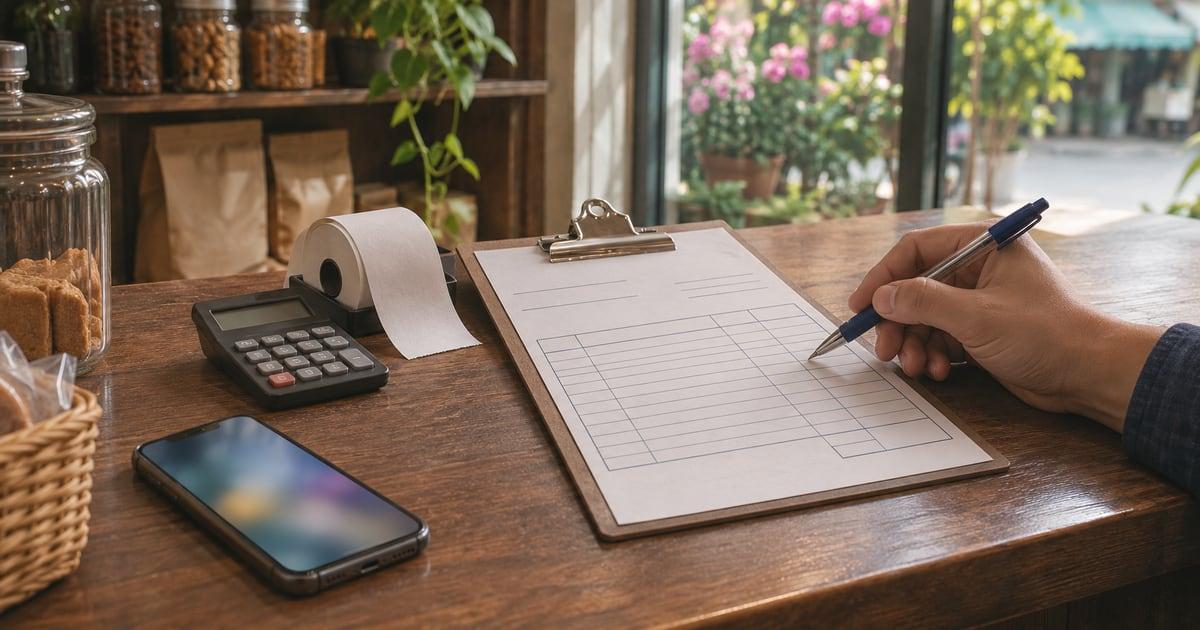
The most common mistake with free invoice forms is treating them as scrap paper. A shop owner downloads a template, types over last month's invoice, changes the name and total, and saves it again as "invoice.xlsx". Within a few weeks, two customers have the same invoice number, an old date slips through, and there is no clean copy of what was actually billed. The fix costs nothing: set the form up once as a master copy, give every invoice a number that never repeats, and file each one as its own document. The seven steps below show how.
Why it matters
An invoice is more than a polite request for money. It is a record your books depend on. The IRS lists invoices, sales slips and cash register tapes among the supporting documents for a business's books, because they show where income came from. If your invoices are messy, your sales figures, your tax return and any later dispute with a customer all rest on shaky ground.
Rules also set the minimum content. The UK government, for example, lists what an invoice must include: a unique number, your business name and contact details, the customer's name and address, a clear description of what you are charging for, the supply date, the invoice date, the amounts, any VAT and the total owed. Other countries word it differently, but the core list is very similar.
And there is the simple cash reason. A customer who gets a clear invoice with a due date and payment details has fewer reasons to delay. A vague one invites questions, and every question pushes payment back.
7 steps to set up a free invoice form properly
1. Pick one free form and stick with it
Choose a single template in a format you can edit and save as PDF. Microsoft offers free invoice templates for Excel that export to PDF, and Google Docs and Sheets have invoice layouts in their template galleries. A spreadsheet form is often easier for a shop, because it can add up line totals and tax for you.
Whatever you pick, use the same one for every customer. Switching between three different free forms is how fields go missing.
2. Fill in the fixed details once, then save it as a master
Before you bill anyone, enter everything that never changes: your legal business name (and trading name if you use one), address, phone, email, tax or VAT number if you have one, and bank or payment details. Add your logo if you like.
Save this file as something like "INVOICE MASTER - do not send". From now on, you never type over this file. You open it, use "Save as" to make a new copy, and fill in the copy.
3. Set a numbering rule that never repeats
Every invoice needs a number that identifies it, and that number should never be used twice. A simple rule works best:
- Format: INV-2026-0001, INV-2026-0002, INV-2026-0003
- Never reset: carry on from the last number, even after a slow month
- Never reuse: if an invoice is cancelled, mark it "void" and keep it
Keep a one-page log (a sheet in the same spreadsheet is fine) with the number, date, customer, total and whether it has been paid. This log is the thing that saves you when a customer says "we never got that one".
4. Write line items a stranger could understand
"Supplies - $250" will be questioned. "20 bags of 40 kg cement at $9.50" will not. For each line, give the item, the quantity, the unit price and the line total. If you sell from stock, use the same product names you use on your shelves and in your stock records, so you can match invoices to what actually left the shop.
5. Show tax as its own line
Put the subtotal, the tax rate, the tax amount and the total on separate lines. Do not bury tax inside the item prices unless your local rules require tax-inclusive pricing. If you and your customer are both VAT registered in the UK, you need a full VAT invoice, which asks for more details than a basic one. In the US, sales tax depends on your state, so check your state's revenue department.
6. State the payment terms in plain words
Write the due date as a date, not only as a term. "Net 30" means payment is due 30 days after the invoice date, but "Due by 18 December 2026" leaves nothing to interpret. Add how to pay (bank transfer details, card link, cash at the counter) and the invoice number they should quote as the payment reference.
7. Save, send and file every invoice as its own file
Name each file with its number and customer, for example "INV-2026-0042 Ortega Builders.pdf". Send the PDF, not the editable spreadsheet, so nobody can change it by accident. Keep a copy in one folder per year. The IRS says records should generally be kept for 3 years, and longer in some cases, such as 6 years if income was under-reported by more than 25%.
When the money arrives, mark the invoice paid in your log on the same day.
A worked example: a hardware shop invoice
Here is how one invoice looks when the steps above are followed. A small hardware shop supplies a local builder on credit. The numbers are an example, using an 8% sales tax rate.
| Field | What goes in it |
|---|---|
| Invoice number | INV-2026-0042 |
| Invoice date | 18 November 2026 |
| Supply date | 17 November 2026 |
| From | Your shop's legal name, address, phone, email, tax number |
| Bill to | Ortega Builders, site contact, billing address |
| Line 1 | 20 bags of 40 kg cement x $9.50 = $190.00 |
| Line 2 | 5 boxes of 100 wood screws x $12.00 = $60.00 |
| Line 3 | Delivery to site = $25.00 |
| Subtotal | $275.00 |
| Sales tax (8%) | $22.00 |
| Total due | $297.00 |
| Due date | 18 December 2026 (Net 30) |
| How to pay | Bank transfer to your account, reference INV-2026-0042 |
The log entry for this invoice is one line: 0042, 18 Nov, Ortega Builders, $297.00, unpaid. When the builder pays, that line changes to "paid 12 Dec". Notice the cement and screws also left your shelves, so they belong in your stock count too, not only on the invoice.
Free invoice form checklist
Use this before you send any invoice:
- Opened from the master copy, not typed over an old invoice
- Unique number, next in the sequence, added to the log
- Your business name, address and contact details
- Customer's name and address
- Invoice date and the date goods or services were supplied
- Each line has item, quantity, unit price and line total
- Subtotal, tax rate, tax amount and total on separate lines
- Due date written as a date, plus how to pay
- Sent as PDF and saved with number and customer in the file name
Mistakes to avoid
Typing over the last invoice. This is the big one. It overwrites your record of the previous sale and is how duplicate numbers happen. Always "Save as" from the master.
Restarting numbers each month or year. If you want the year in the number, add it as a prefix (INV-2026-...) rather than starting again at 1. Duplicate numbers make your records harder to check.
Leaving the due date vague. "Payable on receipt" or "Net 30" on its own can be read in different ways. A calendar date cannot.
Sending an editable file. A spreadsheet can be changed after it leaves you. A PDF is the version you both agree on.
Forgetting the stock side. When you invoice goods from your shelves, the invoice records the money, but your stock levels need updating too. Shops that invoice from one place and count stock in another often find gaps at the next stock take. If credit sales regularly run down a fast-selling item, it also changes when you should reorder; our guide on how to calculate a reorder point shows the maths.
Mixing invoice payments into the till. If a customer settles an invoice in cash at the counter, note it separately so your cash drawer balance at closing still makes sense.
How Cela can help
To be clear, our app does not create invoices, so you will still use a free invoice form like the one above to bill customers on credit. Where Cela helps is the shop side around those invoices. It is a point of sale and inventory app for iPhone that tracks your daily sales with clear reports, keeps stock levels up to date and alerts you before items run low, and includes budget and expense tracking. It works fully offline, so a weak connection at the counter does not stop you recording a sale. Used alongside your invoice log, it gives you one place to check that what you billed matches what left the shelves. More shop guides are on our blog.
Conclusion
Free invoice forms are perfectly good tools for a small shop. The trouble comes from how they are used: typed over, numbered at random and saved under the same name. Set up one master form with your fixed details, number every invoice in a sequence that never repeats, write line items and tax clearly, give a real due date, and file each invoice as its own PDF for at least 3 years. That takes one afternoon once, and then about two minutes per invoice. Your customers get clearer bills, and your books get records you can trust.
Frequently asked questions
Where can I get a free invoice form?
Microsoft has a page of free invoice templates for Excel that you can export as PDF, and the Google Docs and Google Sheets template galleries include invoice layouts. Many accounting and payment apps also offer free invoice makers. Any of them works if it has room for the required details listed in this guide.
Is a free invoice form legally valid?
Yes. An invoice is valid because of what it says, not where the template came from. It needs a unique number, your business name and contact details, the customer's details, a description of what you supplied, dates, the amounts and the total owed. VAT or sales tax rules can add more fields, so check your local tax office.
How should I number invoices on a free form?
Use one running sequence that never repeats or resets, such as INV-2026-0001, INV-2026-0002 and so on. Keep a simple log of each number, customer, date and amount. If you void an invoice, mark it void in the log instead of reusing its number, so your records have no gaps or duplicates.
How long should I keep copies of invoices?
The IRS lists invoices among the supporting documents for your books and says to keep records for 3 years in most cases, longer in some situations, such as 6 years if you under-report income by more than 25%. Other countries set their own periods, so check your local tax authority.
What is the difference between an invoice and a receipt?
An invoice asks for payment: it tells the customer what they owe and when it is due. A receipt confirms that payment was made. A shop selling over the counter usually gives receipts, while a shop that supplies goods on credit to businesses or regular customers sends invoices and then records the payment when it arrives.