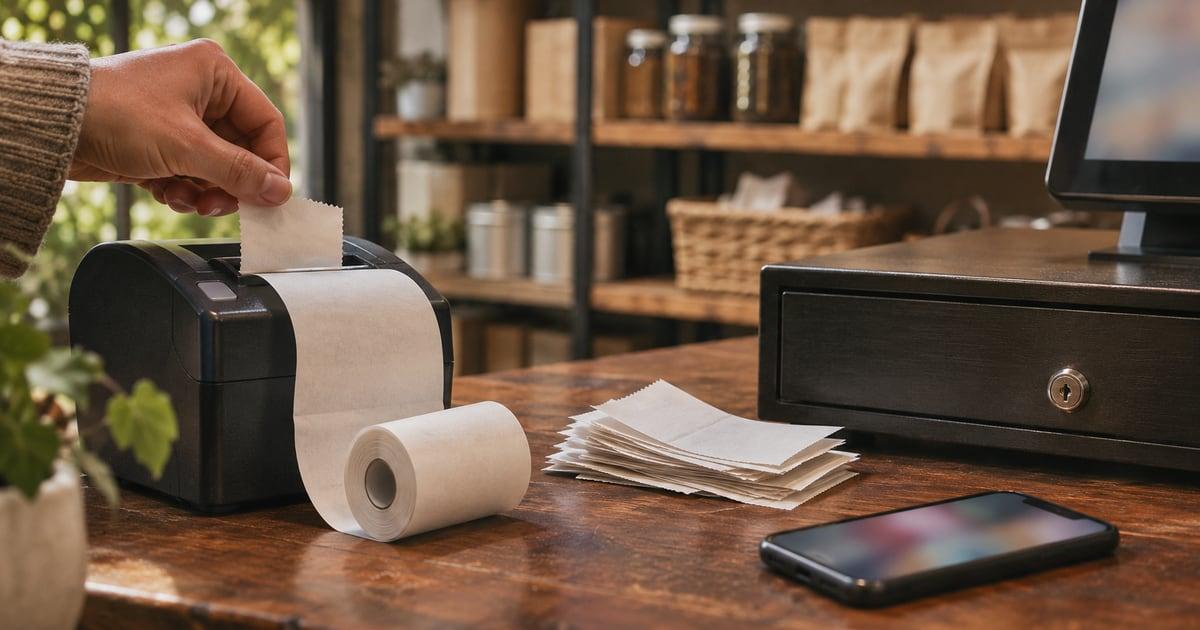
What does "POS sales" actually mean? It means the sales recorded at your point of sale: the checkout where your customer pays, whether that's a cash drawer, a card reader or an app on your phone. Add up every transaction taken there for a day or a week, and that total is your POS sales. Simple enough, until you open a sales report and find four different "sales" numbers staring back at you (gross, net, with tax, without tax). Don't worry, let's go through it together, with a worked example from one day in a small shop.
What is POS sales?
POS stands for point of sale. The phrase has two everyday meanings, and both show up in "POS sales":
- The moment and place of payment. The counter, the market stall, the delivery doorstep: wherever a customer hands over money and you hand over the goods.
- The system that records it. A till, a card machine, a tablet or a phone app that logs each sale: what was sold, the price, any discount, and how the customer paid.
So POS sales are the sales captured by that system at the moment of payment. When someone says "our POS sales were up this week", they mean the checkout recorded more (or bigger) transactions than before.
A few related terms you'll meet:
| Term | What it means |
|---|---|
| POS transaction | One completed sale at the checkout (one receipt) |
| Gross POS sales | The total value of everything rung up, before any deductions |
| Net POS sales | Gross sales minus refunds, voids and discounts |
| Average transaction value | Net sales ÷ number of transactions |
| POS sales report | A summary of the above for a day, week or month |
Kindly note that POS sales usually means in-person sales. Online orders from a website or marketplace are often tracked somewhere else, so if you sell in both places, add the two together for the full picture.
Why POS sales records matter
It's tempting to treat the sales report as a nice-to-have. It's more than that, for two reasons.
It's your proof of income. In the US, the IRS lists the documents that support a business's gross receipts, and the list includes "cash register tapes", deposit information for cash and credit sales, receipt books and invoices (IRS: What kind of records should I keep). Your POS records are the modern version of those register tapes. If your books are ever questioned, they're the paper trail. Other countries' tax offices ask for similar records, so check your local rules.
It tells you what's actually happening in the shop. A daily POS total shows whether a day was good or bad. The detail behind it shows why: which items sold, which didn't, when the rush came, how many refunds you gave. That's the information you need to reorder on time and stop cash from sitting on the shelf as slow stock. If you want to go further with the numbers, our guide to the inventory turnover ratio uses your sales figures to show how quickly stock moves.
As a software engineer who builds Cela myself under Alic Systems, I'll add one builder's tip: keep the sales record and the stock record linked, but don't mix them up in your head. A sale is a money event; it also happens to remove stock. Treating them as two connected pieces (the same way I like to keep the logic of an app apart from its screens) makes it far easier to find mistakes when the numbers don't match.
How to read your POS sales, step by step
Let's get started with a worked example. Imagine a small corner shop's report for one Saturday. (These are example numbers to show the method, not real data.)
The day's raw figures:
- 142 transactions rung up, worth $3,180 in total
- 4 refunds, worth $96
- 2 voided sales (rung up by mistake), worth $34
- Discounts given: $110
- Sales tax included in the total: $190
1. Start with gross POS sales
Gross sales is everything rung up: $3,180. It's the headline number, and the least useful one on its own, because it includes money you didn't keep.
2. Subtract refunds and voids
Refunds are sales you gave back. Voids are sales that never really happened. Take both away:
$3,180 − $96 − $34 = $3,050
3. Subtract discounts
Some POS systems record the full price and list discounts separately; others record the discounted price straight away. Check how yours does it so you don't subtract discounts twice. In this example they're listed separately:
$3,050 − $110 = $2,940 net POS sales (including tax)
4. Take out the sales tax
The tax you collect belongs to the tax office, not to you. Remove it to see the shop's real takings:
$2,940 − $190 = $2,750 net POS sales before tax
This is the figure to compare day to day, week to week.
5. Work out the average sale
Transactions that stayed completed: 142 − 4 refunds − 2 voids = 136 (assuming each refund and void was one whole transaction). Then:
$2,750 ÷ 136 ≈ $20.22 per customer
If this number creeps up over a few weeks, customers are buying more each visit. If it drops, it might be worth looking at your pricing or your displays.
6. Check it against the cash and card totals
Finally, compare what the report says you took by cash and card with what's actually in the drawer and the card machine's settlement. Yes, this is the boring bit. It's also where missing cash, double-charged cards and mistyped prices show up, so it's worth the five minutes at closing time.
7. Look at what sold, and when
The totals tell you how much; the item list tells you what. Scan your report for the five items that sold the most and the five that barely moved. In our example shop, if bread and phone credit made up a big share of the $2,750, those are the items you can't afford to run out of on a Saturday. If a shelf of a particular snack hasn't sold once in a fortnight, that's money tied up in stock.
Many reports also break sales down by hour. A quick look shows when the rush really starts, which helps you decide when to restock shelves (before it, not during it) and when an extra pair of hands at the counter is worth it.
A small naming tip from someone who builds this kind of software: name items in your POS the same way every time ("Bread, white, 800g", not "white bread" one day and "loaf" the next). Clean names make these reports readable.
Common mistakes
- Treating gross sales as income. Gross is before refunds, discounts and tax. Use net sales for decisions.
- Counting tax as revenue. Sales tax or VAT you collect isn't yours. Always know whether a report includes it.
- Subtracting discounts twice. If your system already records the discounted price, don't take discounts off again.
- Comparing different periods. A Saturday against a Tuesday tells you little. Compare Saturdays with Saturdays.
- Ignoring refunds. A sudden rise in refunds on one product is often a quality or labelling problem worth checking.
- Not linking sales to stock. Every sale should reduce stock. If your shelf count and your system disagree, a regular stock take will show where the gap is.
How Cela can help
Cela is an offline-first point of sale and inventory app for iPhone, built for small shops and individual sellers. It records each sale as you make it, shows your daily sales at a glance with clear reports, and updates your stock levels as items sell, with alerts before you run low. It also includes budget and expense tracking, so you can see your takings next to your costs. Because it works fully offline, you can keep recording sales when the internet drops. You'll still need to do the closing-time cash check yourself; no app can count the drawer for you. If stock is your main headache, see the stock control page.
Conclusion
POS sales means the sales recorded at your checkout, the point where customers pay. The number that matters most is net POS sales: gross sales minus refunds, voids, discounts and tax. Read your report in that order, work out your average sale, and check the totals against your cash and card takings at the end of each day. Do that consistently and your POS records become both your proof of income and your clearest view of how the shop is doing. More practical guides are on our blog.
Frequently asked questions
What does POS stand for in sales?
POS stands for point of sale. It is the moment and place where a customer pays you, and also the system (a till, card machine, tablet or phone app) that records the transaction. POS sales are simply the sales captured by that system.
What is the difference between gross and net POS sales?
Gross POS sales is the total value of everything rung up at the checkout. Net POS sales subtracts refunds, voided sales and discounts. Net sales is usually the better number for judging how a day went, because it reflects the money you actually kept.
Do POS sales include tax?
It depends on the report. Many POS reports show sales both before and after sales tax or VAT. The tax you collect isn't your income, because you pass it to the tax authority, so check which figure your report shows before comparing days or filling in your books.
Are online sales counted as POS sales?
Usually not. POS sales normally means in-person sales taken at your checkout. Online orders are typically recorded by your website or marketplace. If you sell in both places, add the two totals together to see your full sales for the period.
What is a POS sales report?
A POS sales report is a summary your point-of-sale system produces for a period, such as a day or a week. It typically shows total sales, number of transactions, refunds, discounts, payment methods and top-selling items, so you can see what sold and how customers paid.
Why should I keep POS sales records?
They are proof of your income. The IRS lists cash register tapes, deposit records, receipt books and invoices as supporting documents for a business's gross receipts. Clean POS records also make it easier to spot slow stock, reorder on time and catch cash differences.